Best NDIS Software in Australia: How to Choose the Right Platform
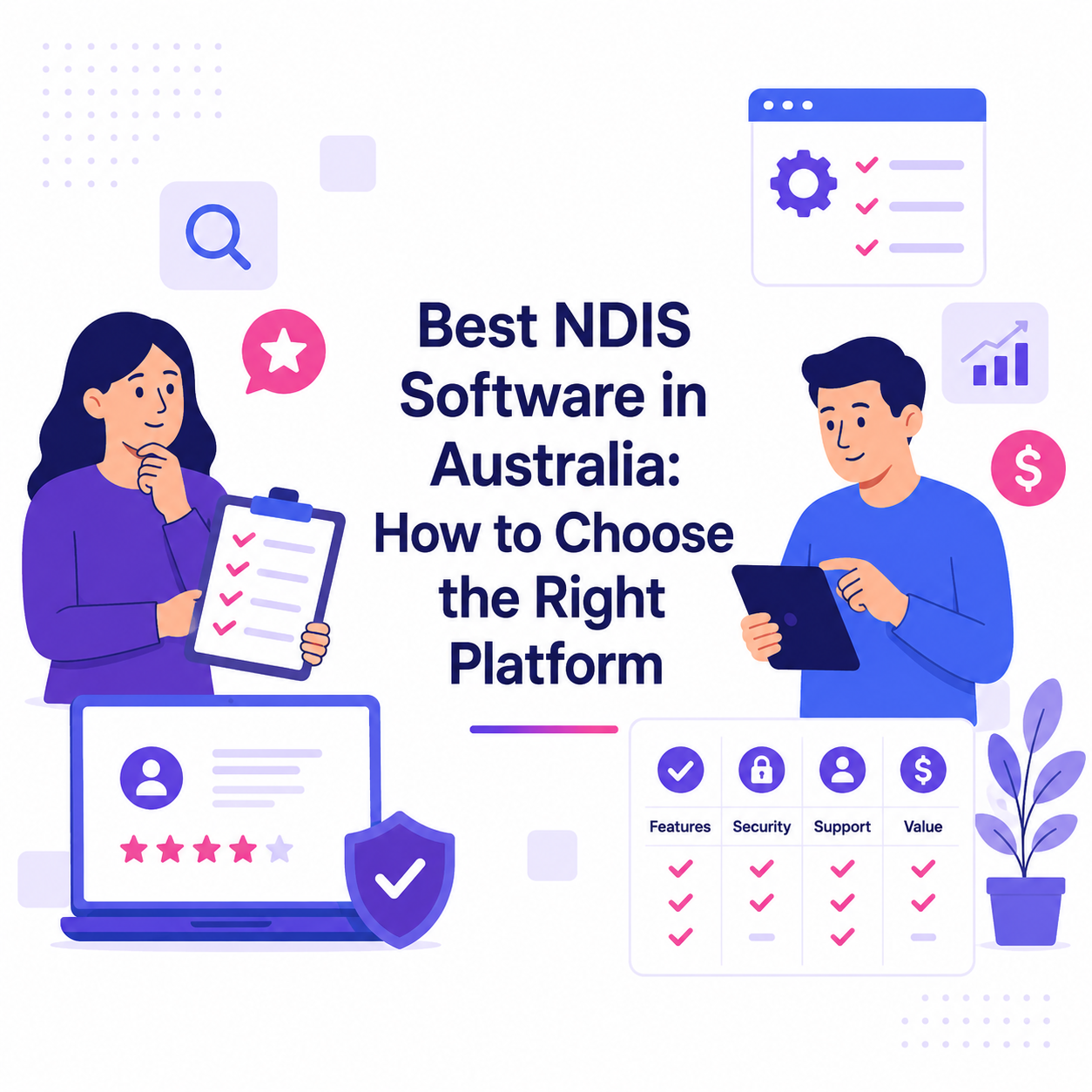
Choosing the best NDIS software for your provider organisation is one of the most critical decisions you'll make for operational efficiency and compliance. With dozens of platforms available in the Australian market, finding the right software requires a structured evaluation approach that aligns with your unique service delivery model and growth goals.
In this article:
This buyer guide walks you through the essential criteria for evaluating NDIS software australia providers, helping you make an informed decision that supports both your current operations and future scalability. Whether you're a solo practitioner or managing a multi-site organisation, the right platform will streamline workflows, reduce administrative burden, and improve participant outcomes.
Understanding Your Provider Needs
Before comparing platforms, clearly define your operational requirements. Different NDIS providers have vastly different needs based on service types, team size, and business maturity.
Consider these fundamental questions:
- What services do you provide (support coordination, allied health, community access, SIL)?
- How many support workers and coordinators are on your team?
- Do you operate across multiple locations or states?
- What are your current pain points with existing systems or manual processes?
- What growth trajectory are you planning over the next 12-24 months?
Document your must-have versus nice-to-have features. This clarity prevents feature overload and helps focus your evaluation on platforms that solve your actual problems rather than those with the longest feature lists.
Core Features to Evaluate in the Best NDIS Software
When conducting an ndis provider software comparison, certain features are non-negotiable for efficient operations. The top NDIS software platforms offer comprehensive functionality across these critical areas.
Rostering and Scheduling: Look for intelligent rostering that matches worker availability, skills, and participant preferences while considering travel time and worker fatigue. Automated shift reminders and real-time updates reduce no-shows and miscommunication.
Participant Management: Comprehensive participant profiles should include goal tracking, care plans, support needs, communication preferences, and document storage. The system should make it easy to access participant information when needed.
Progress Notes and Documentation: Digital progress notes streamline documentation with templates, voice-to-text, photo uploads, and offline capability. Quality reporting becomes easier when notes are structured and searchable.
Timesheets and Payroll: Automated timesheet approval workflows, GPS verification, and seamless payroll integration eliminate manual data entry and reduce payroll errors.
Invoicing and Billing: NDIS pricing catalogue integration, automated invoice generation, batch claiming to the NDIA portal, and financial reporting capabilities ensure timely payments and cash flow visibility.
Compliance and Security Standards
NDIS Quality and Safeguards Commission compliance is mandatory. Your chosen platform must support audit readiness through proper documentation, incident management, and complaint handling workflows.
Key compliance considerations include:
- Audit trail functionality that tracks all system changes and access
- Worker screening check tracking and expiry notifications
- Incident and complaint management with required reporting timeframes
- Participant rights and safeguarding documentation
- Quality indicator data collection and reporting
Data security cannot be compromised. Verify that platforms offer Australian data hosting, encryption at rest and in transit, regular security audits, role-based access controls, and compliance with Privacy Act requirements.
User Experience and Mobile Accessibility
The best NDIS software succeeds because teams actually use it. Complex interfaces lead to poor adoption, data entry errors, and eventual abandonment regardless of feature completeness.
Evaluate user experience by requesting trial access for both office staff and field workers. Mobile functionality is particularly critical since support workers complete most documentation while providing services in the field.
Essential mobile capabilities include:
- Native iOS and Android apps with offline functionality
- Intuitive navigation requiring minimal training
- Quick access to shift details, participant information, and contact numbers
- Easy clock-in/clock-out with GPS verification
- Simple progress note entry with voice and photo options
Test how quickly common tasks can be completed. If a progress note takes five minutes to complete on mobile, field workers will resist using the system or rush through documentation quality.
Pricing Models and Support
NDIS software australia providers typically use per-user monthly pricing, though models vary. Understanding total cost of ownership beyond the base subscription is essential for accurate budgeting.
Consider these cost factors:
- Base subscription fees and per-user pricing tiers
- Implementation and onboarding costs
- Data migration from existing systems
- Training requirements and availability
- Additional charges for premium features or integrations
- Contract length and cancellation terms
Support quality directly impacts your operational continuity. Verify support availability hours, response time commitments, available support channels (phone, email, chat), and whether Australian-based support is provided. Access to comprehensive documentation, video tutorials, and an active user community also supports successful long-term usage.
Integration Capabilities
No software operates in isolation. Your NDIS platform should integrate seamlessly with your existing business tools to eliminate duplicate data entry and ensure information accuracy across systems.
Priority integrations include:
- Accounting software (Xero, MYOB, QuickBooks) for financial reconciliation
- Payroll systems for automated wage processing
- NDIA myplace portal for automated claiming
- Communication tools for team collaboration
- Recruitment platforms for streamlined onboarding
API availability and quality matter if you need custom integrations or plan to build proprietary tools. Well-documented APIs with active developer support provide flexibility as your technology needs evolve.
Frequently Asked Questions
What makes NDIS software different from general care management platforms?
The best NDIS software is purpose-built for Australian disability services with NDIS pricing catalogue integration, plan management features, Quality and Safeguards Commission compliance tools, and claiming workflows specific to NDIA requirements. General care platforms lack these specialized capabilities essential for NDIS providers.
How long does implementation typically take for top NDIS software?
Implementation timeframes vary based on organisation size and complexity. Small providers can often launch within 2-4 weeks, while larger organisations with complex workflows may need 6-8 weeks. Factor in data migration, staff training, and workflow configuration when planning your timeline.
Should I choose ndis software australia providers over international platforms?
Australian-based providers typically offer better local support, Australian data hosting for privacy compliance, deep understanding of NDIS regulations, and features designed specifically for the Australian disability sector. International platforms often lack NDIS-specific functionality and require significant customization.
Can I switch NDIS software if my first choice doesn't work out?
While switching is possible, it involves significant time and cost for data migration, staff retraining, and workflow re-establishment. Thorough evaluation upfront, including extended trials with your actual team, minimizes the risk of choosing poorly and needing to switch later.
What questions should I ask during an ndis provider software comparison?
Ask about data ownership and portability, system uptime guarantees, roadmap for future features, customer retention rates, references from similar providers, implementation support included, and total cost including all add-ons. Request demonstrations using scenarios specific to your service delivery model.
TamCare is a mobile-first care app for NDIS providers. We help providers manage rostering, invoices, care notes, timesheets, and much more.